Look up a customer
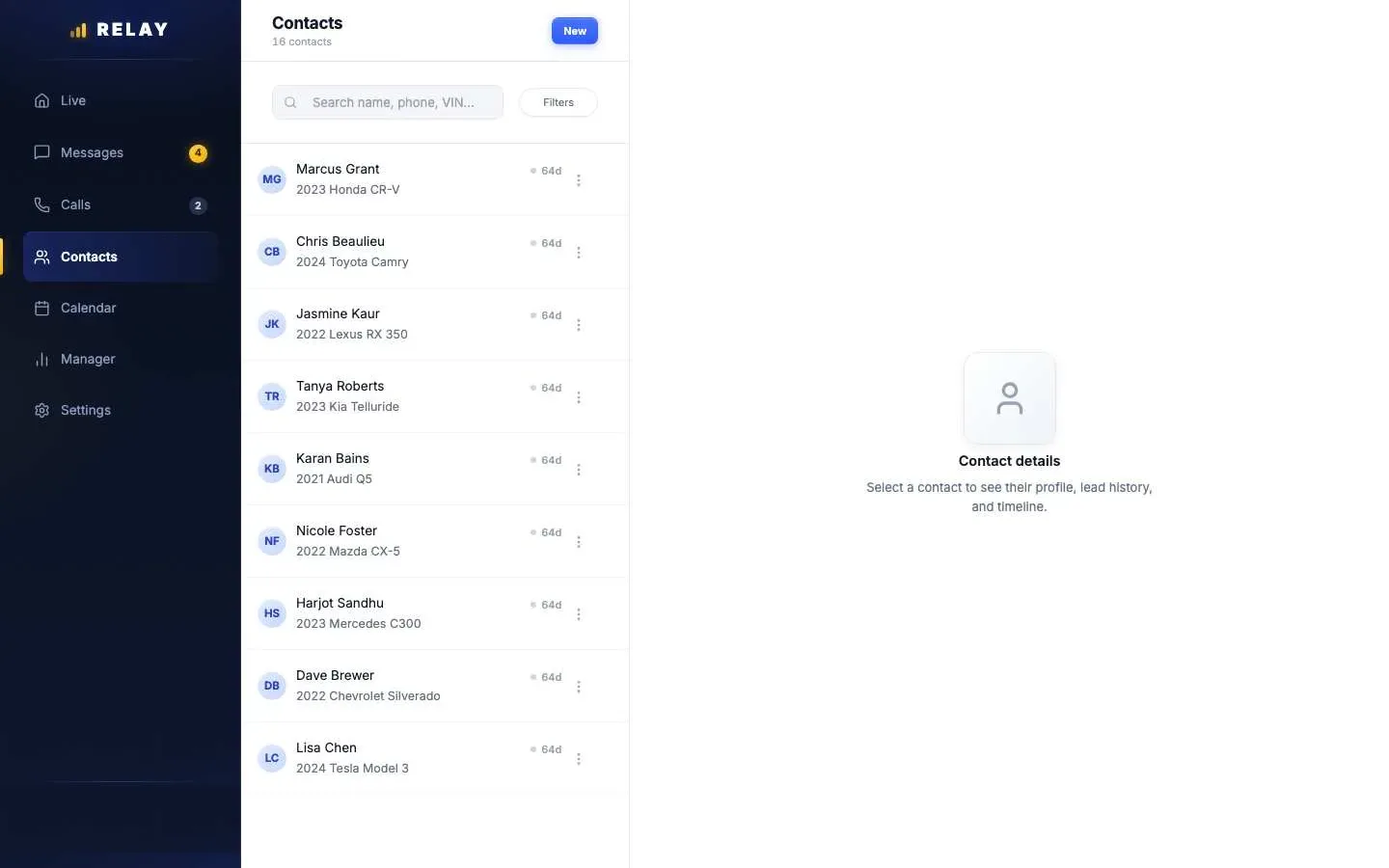
How to look up a customer
- On a computer, open Contacts.
- Type a name, phone number, or VIN in the search box.
- Click the customer to open their details.
- Use Call or Message to reach them.
In the app, open a conversation, tap •••, then View contact. You can add notes and car details there. Only managers can change a customer's phone or email.
One customer, many leads
When a customer you already know sends a new lead, Relay adds it to the same customer record. It matches by phone number first, then email. So you always see their full history in one place.
Stuck on something this guide does not cover? Text the Relay team at 778-764-1975, call 1-855-467-2999, or email tej@razzytech.com. Back to all help guides.