Book an appointment
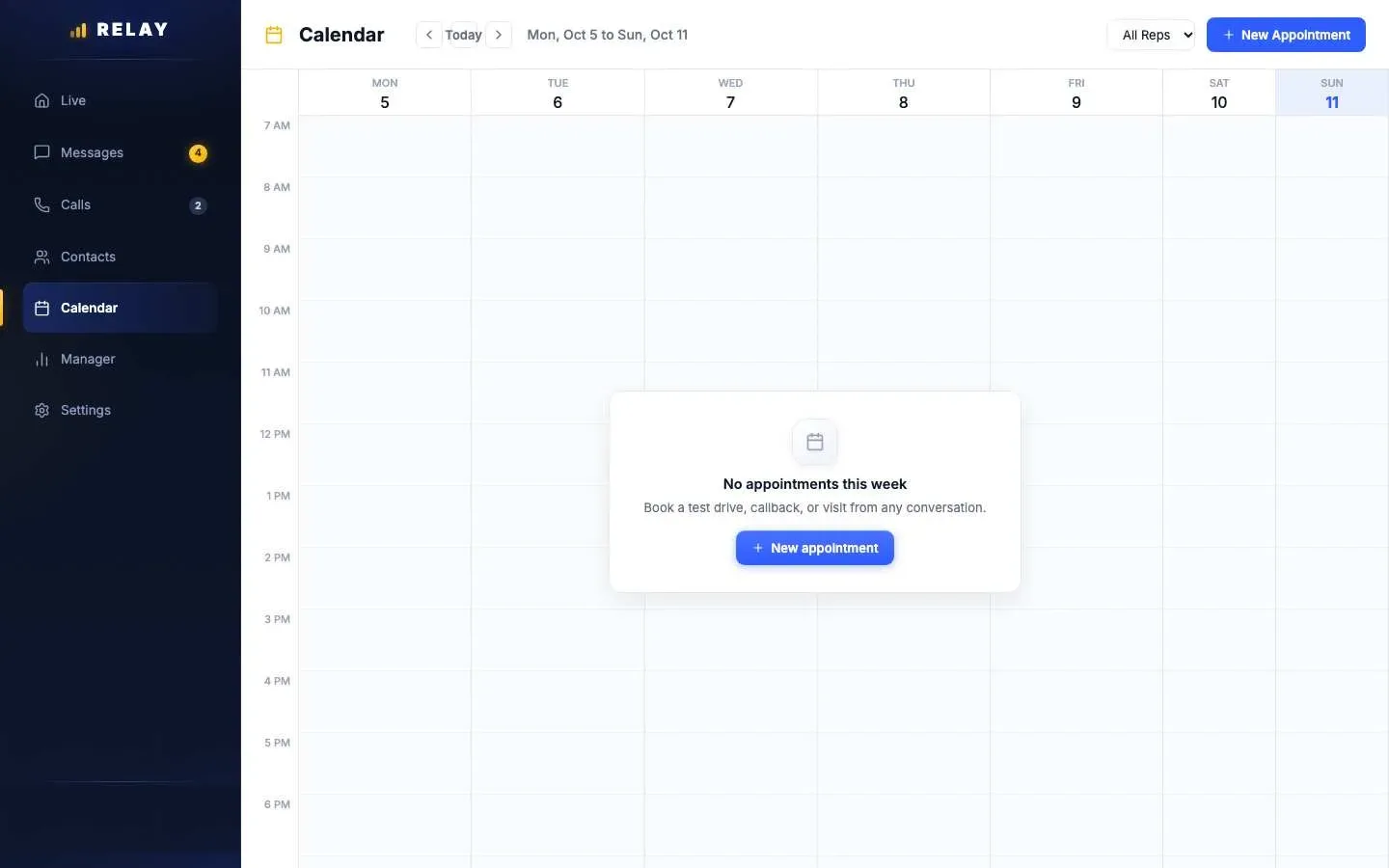
How to book an appointment
- On a computer, open Calendar and choose New Appointment. In the app, open the Calendar tab and tap the new appointment button.
- Type a Title, like "Test drive: 2024 Civic".
- Pick the Contact.
- Pick the Date, Start Time, and End Time.
- Save.
You get a reminder on your phone about 60 minutes and 15 minutes before. Relay does not text the customer a reminder.
Change an appointment
- Open the appointment to Confirm, Complete, mark No Show, Cancel, or Reschedule.
- In the app, switch between Today, Week, and Month. Use Block time off for time away.
- Managers can see every rep with the All Reps menu, and can assign an appointment to another rep.
- Appointments the AI agent books show up like any other.
Common questions
Does Relay have a calendar for test drives?
Yes. The calendar on your phone and computer holds test drives, callbacks, and visits. You get reminders 60 and 15 minutes before.
Does Relay send the customer a reminder?
No. Reminders go only to the rep. Text the customer yourself if you want to confirm.
Stuck on something this guide does not cover? Text the Relay team at 778-764-1975, call 1-855-467-2999, or email tej@razzytech.com. Back to all help guides.