Claim a lead
How to claim a lead
- When you get a New Lead notification, tap it.
- Find the lead under Unclaimed on the Live tab.
- Tap Claim before the timer bar runs out.
- You see Lead Claimed. Tap Open Chat.
- Call or text the customer right away.
If your store sends an automatic first text, you see "Auto-reply sent!" after you claim. The customer already has a hello from you.
If someone else tapped first, you see Already Claimed with their name. The card goes away. Nothing else to do.
Where new leads show up
- Live tab: each new lead is a card with the name, car, and where it came from. Hot leads glow amber.
- The + button: the red number counts leads waiting to be claimed. Tap it to see them.
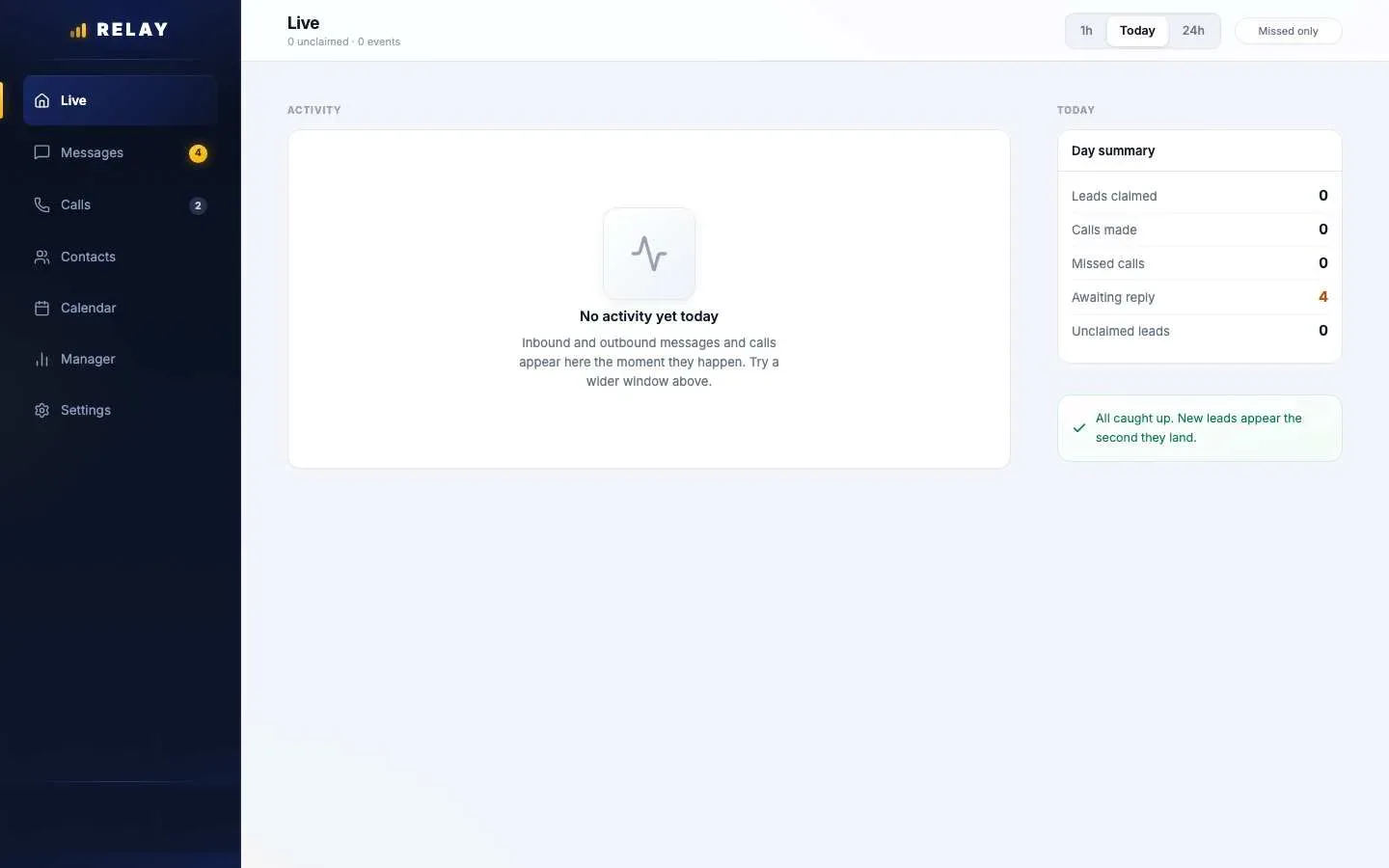
- On a computer: new leads appear in the Unclaimed panel. The Live page also shows a Day summary.
Why some leads skip the Live tab
Your manager picks one of two ways to hand out leads:
- Blast: every available rep sees the same lead. First to tap Claim gets it. If nobody claims it in time, Relay offers it again, up to two more times.
- Sequential: Relay gives the lead straight to one rep. It goes to your Messages, not the Live tab. Call the customer before your store's timer runs out. A call keeps the lead with you. A text alone does not, and the lead can move to the next rep.
You only get leads while you are Available. In the app, open Settings and check that Mark as unavailable is switched off.
Common questions
How do I claim a lead in Relay?
Open the Live tab in the app and tap Claim on the lead card before the timer runs out. The first rep to claim gets the lead.
Why am I not getting any leads?
Check three things: Mark as unavailable is off in the app Settings, notifications are allowed for Relay on your phone, and your manager has set your role to Sales. New team members start as Unavailable.
A lead was in my Messages and then it was gone. Why?
Your store may use Sequential routing. If the lead is not worked before the timer runs out, it moves to the next rep. Call the customer quickly to keep it.